
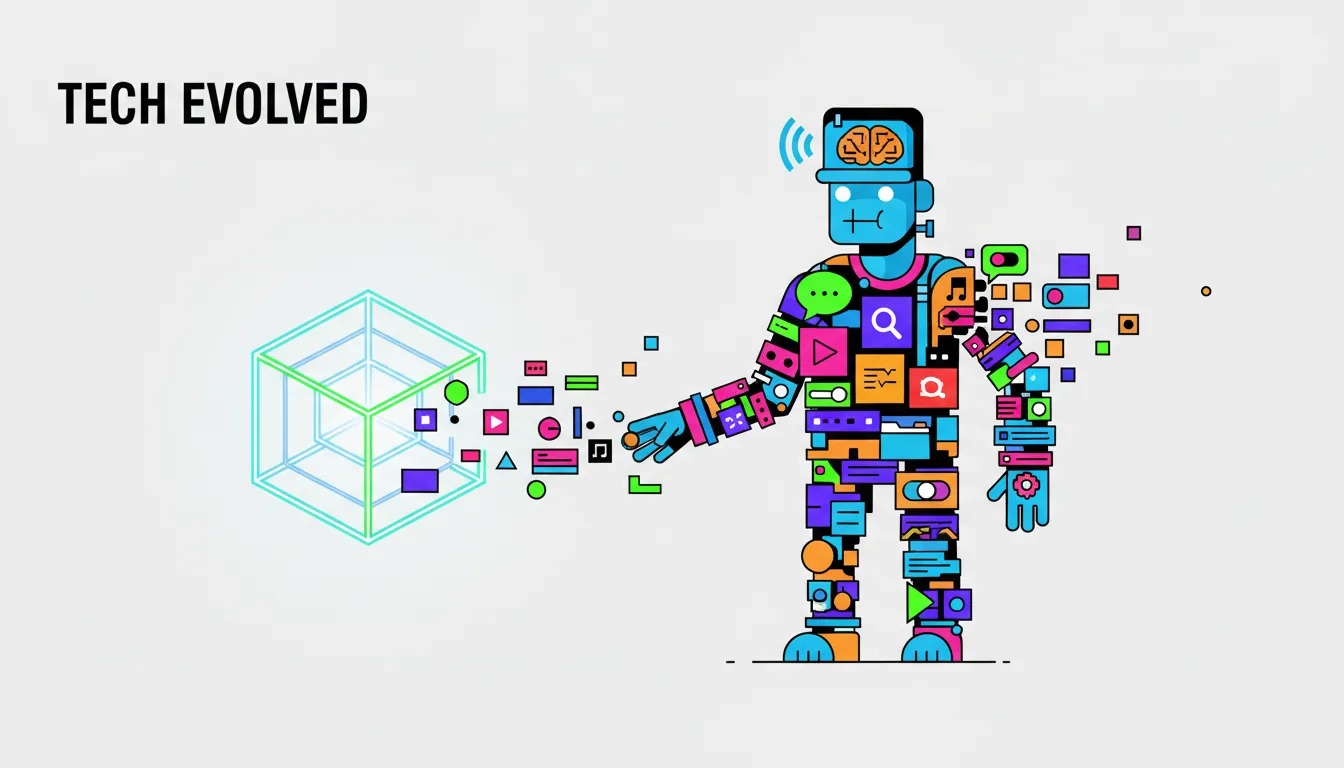
You're paying for 14 apps. You actively use 3. The other 11 are basically a subscription graveyard you're too emotionally attached to cancel. Welcome to the Frankenstack: that horrifying monster stitched together from impulse purchases, free trials you forgot to kill, and tools your old boss swore were "industry standard."
Freelance tech stack consolidation isn't just a buzzword for 2026. It's survival arithmetic. Solopreneurs are discovering they can run serious businesses at a fraction of what bloated enterprise setups cost, according to WriterDock's solopreneur stack analysis. The shift is real: from "Software as a Service" to "Utility as a Prompt."
Step 1: Perform the Honest Audit (It Will Hurt)
Open a spreadsheet. List every tool you pay for. Add columns: What does it do? How often do I use it? Could a free browser tab replace it?
You'll immediately spot the Redundant Four: overlapping project management tools, duplicate content apps, analytics dashboards nobody checks, and "basic utilities" that are just glorified calculators.
The goal many freelancers are chasing in 2026: sub-$100 monthly overhead. Not because they're cheap. Because paying $300/month for tools that duplicate each other is just donating money to Silicon Valley.
Step 2: Calculate What Your Subscriptions Are Actually Costing You
Here's where it gets embarrassing. PDF editor subscriptions alone can run $10.87/month on a two-year plan. Multiply that across 14 tools and you're hemorrhaging cash on autopilot.
Compare that to direct API usage, where you pay per actual call. The math isn't even close. Use an ROI Calculator to plug in your current monthly spend versus projected API costs. Seeing the number in black and white is the cold shower you need.
Case study: A freelance SEO consultant replaced a $50/month keyword tool with a custom LLM-powered scraper. Build time: one afternoon. Monthly cost after: near zero. The transition time paid for itself in six weeks.
Step 3: Build Your First Custom Tool (No Coding Required)
This is where people panic unnecessarily. You do not need to understand JavaScript or Python to create useful browser tools.
The Single-File Strategy works like this: open Claude or a comparable LLM and prompt it to generate a standalone HTML file for your specific task. Something like:
"Write a single HTML file with no external dependencies that converts messy CSV data into a clean markdown table. Include a copy button."
Paste the output into a .html file. Open it in Chrome. Done. That's your custom tool. It runs locally, stores nothing, and costs you $0 to use again.
Note: While LLMs like Claude are genuinely capable of generating functional single-file utilities today, specific capabilities of anticipated 2026 model releases aren't confirmed yet, per daily.dev's GPT-5 breakdown. Work with what's available now; it's already impressive.
A Word & Character Counter is a perfect example of a browser-based utility that replaces bloated writing subscriptions entirely. Simple. Fast. No account needed.
Step 4: Replace the Usual Suspects
Zapier/Make: A simple Python script can bridge two APIs. Prompt an LLM to write it, run it locally or on a free cloud function.
Canva/Adobe Express: Custom SVG generators built in a single HTML file handle 80% of social graphic needs without a monthly fee.
Calendly: A static booking page that links to your Google Calendar costs nothing to build and nothing to host.
Step 5: Host for Free, Own Your Data
Zero-cost hosting options that actually work:
- GitHub Pages: Free, fast, permanent URL for your HTML tools
- Netlify: Drag-and-drop deployment in under two minutes
- Local files: Just double-click the
.htmlfile. No internet required.
The privacy angle here is underrated. When your tool runs locally in a browser, your client data never touches a third-party server. It doesn't get fed into anyone's training pipeline. AI adoption reached 72% among professionals in 2025, up from 48% in 2024 (The CFO, 2025), which means more platforms are hungry for your data. Custom tools are your opt-out.
The Four-Phase Consolidation Plan
- Phase 1: The Cull. Cancel anything with less than 20% weekly usage. No negotiations, no "I might need it."
- Phase 2: The Build. Replace three minor tools with custom HTML files this month.
- Phase 3: API Integration. Connect your core workflow to direct LLM calls instead of wrapped SaaS products.
- Phase 4: Monitor. Track time saved, then use a Salary/Hourly Wage Converter to translate those saved hours into actual dollar value. Watching your effective hourly rate climb is deeply motivating.
The Lean Freelancer Wins
The modular "Lego block" philosophy beats the enterprise monolith every time for solopreneurs. Flexible pieces you can swap, combine, or discard as your work evolves. No annual contracts. No bloated dashboards for features you'll never touch.
Your Frankenstack is costing you money and mental overhead. Start the audit today. Cancel one subscription this week. Build one HTML utility this weekend. That's the whole plan.
Frequently Asked Questions
Q: How much money can I realistically save by building my own AI tools? Savings vary by your current stack, but replacing even three $15-50/month subscriptions with custom-built utilities adds up to $540-$1,800 annually. Use an ROI Calculator to model your specific situation before and after the switch.
Q: Which subscriptions are easiest to replace first? Start with single-function utilities: PDF converters, word counters, basic schedulers, and simple formatters. These are the easiest to replicate with a single HTML file and deliver immediate savings.
Q: Do I need to understand JavaScript or Python? No. Prompt an LLM with a clear description of what you want the tool to do. It generates the code. You save the file and open it in a browser. Zero coding knowledge required.
Q: Where can I host my custom tools for free?
GitHub Pages and Netlify both offer free static hosting. For maximum simplicity, just run the .html file locally from your desktop. No hosting needed whatsoever.
Q: How do I keep my data private with custom-built tools? Browser-based tools that run locally process everything on your machine. No data leaves your computer, no third party stores it, and no AI company trains on your client files.