
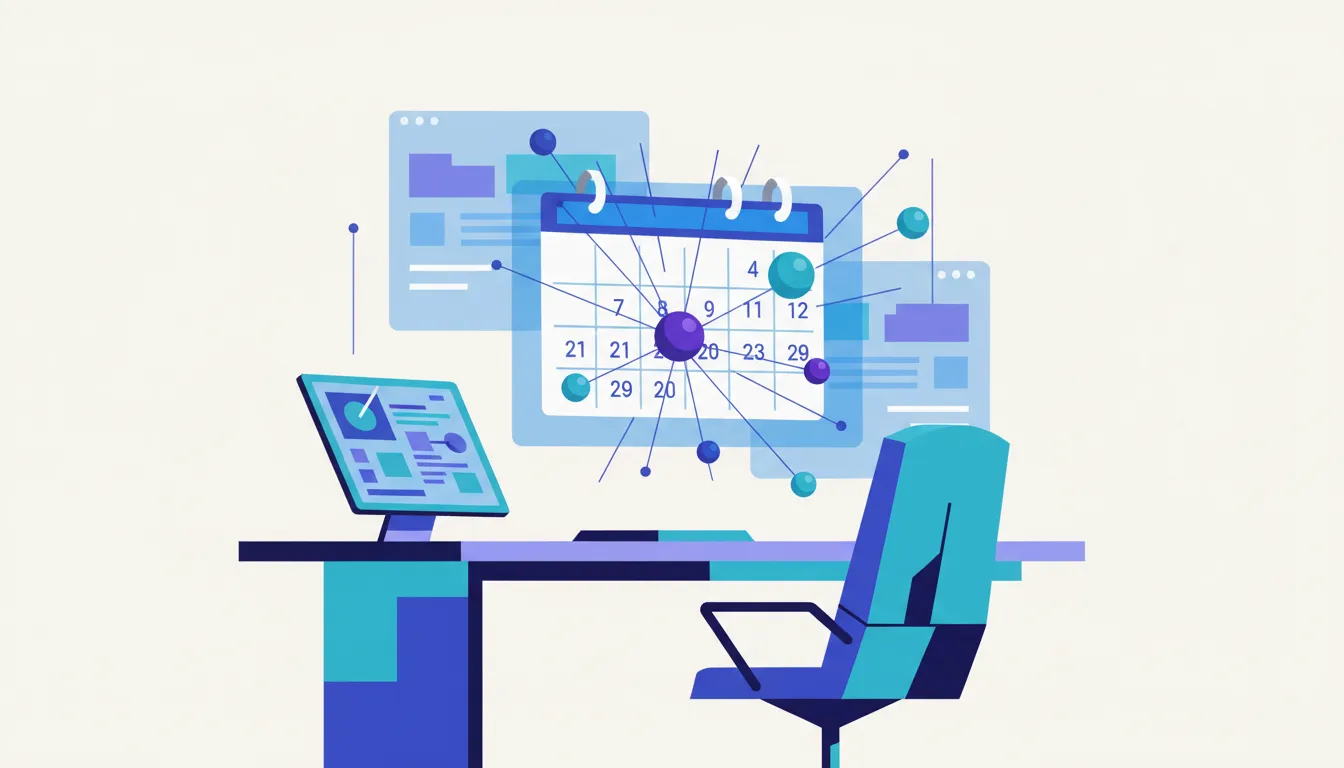
Your to-do list is dead. Honestly, it deserved it. The productivity apps for 2026 aren't just prettier checklists — they're autonomous agents that research, schedule, and execute work while you drink your coffee. The real shift isn't time management anymore; it's capacity management, protecting your cognitive bandwidth the same way you protect your sleep. Let's break down which tools actually deliver and which ones are just Zapier in a trench coat.
True Autonomous AI vs. "If-This-Then-That" Automation
Before picking tools, understand the difference. Legacy automation (Zapier, Make) follows rigid trigger-action rules. True autonomous AI agents use LLM-based reasoning to decide what to do next based on a goal, not a script.
Taskade sits firmly in the autonomous column. Its multi-agent system can research a topic, generate a project plan, assign tasks, and follow up on blockers — without you touching a keyboard. Best for teams needing end-to-end execution.
Capacity Management: The Apps That Protect Your Brain
Reclaim.ai
Reclaim calculates your cognitive load by analyzing calendar density, meeting frequency, and task deadlines. It automatically reschedules 1:1s when your day looks overloaded and syncs real-time availability to Slack and Google Calendar. This isn't "block focus time" — it's dynamic load balancing.
Sunsama
Sunsama ($20/month) visualizes your daily workload before you start and enforces a "Daily Shutdown" ritual so you actually stop working. Freelancers questioning whether $20/month is justified should run the numbers using this ROI Calculator — if it saves you two billable hours of context-switching per week, it pays for itself before Tuesday.
The All-in-One Workspace: Notion AI in 2026
Notion AI has evolved from a writing assistant into a proactive project manager. New for 2026: automated database relations that connect tasks, docs, and deadlines without manual linking, plus AI-generated progress reports that summarize project health weekly.
It consolidates wikis, roadmaps, and tasks into one neural network your whole team actually uses. The free tier remains generous for individuals; teams pay around $10/user/month for AI features.
Voice-First Input: Wispr Flow
Typing is slow. Wispr Flow claims 4x faster input using context-aware dictation that understands industry jargon — it knows "PR" means pull request in a dev context, not public relations. Works across macOS and Windows, integrating directly into any text field.
Content creators using Wispr Flow to draft at speed should pair it with a Word & Character Counter to stay within SEO limits and character constraints across platforms.
Time Tracking and Capacity Planning
My Hours
My Hours dominates granular team reporting. It tracks billable hours, visualizes project costs, and sends automated alerts when team members approach daily work-hour targets — a real feature for agencies managing burnout risk.
Motion
Motion's "Happiness Algorithm" auto-prioritizes your task list based on deadlines, energy levels, and dependencies. When a deadline is missed, it rebuilds the entire project schedule automatically. Consultants should calculate their hourly value using this Salary / Hourly Wage Converter to quantify exactly how much a missed deadline costs them.
Meeting Intelligence: Granola
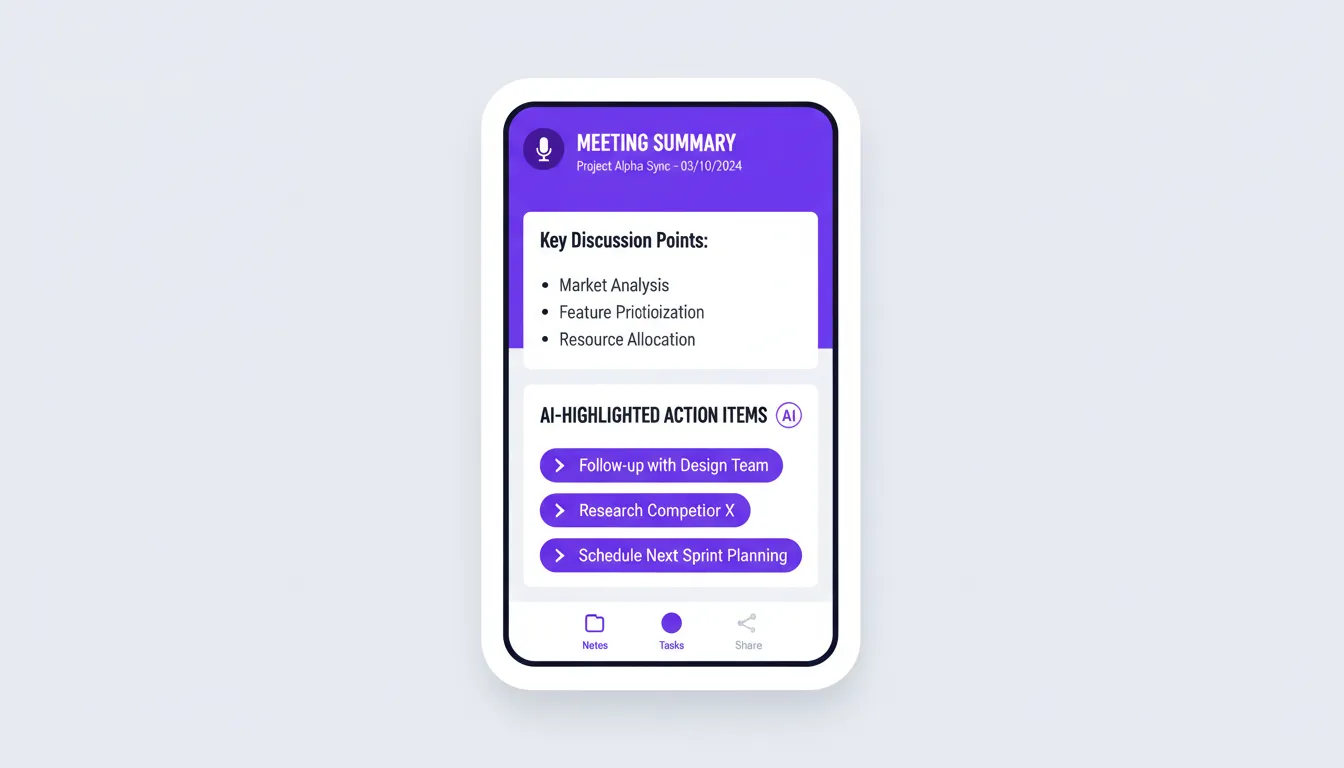
Granola goes beyond transcription. It adds context to your manual notes using meeting audio, then extracts action items and syncs them to your CRM. Critically, it takes a privacy-first approach: audio is processed locally where possible, and you control what gets exported.
Enterprise Scale: Asana
For 500+ person organizations, Asana offers cross-departmental capacity visibility, workload tracking, and integrations with GitHub and Figma for developer-designer alignment. Paid plans range from $10.99/user/month (billed annually) to $30.49/user/month for Advanced tiers (source). The GitHub integration alone makes it worth evaluating for engineering teams.
Habit Tracking and Deep Work: TickTick
TickTick includes built-in Pomodoro timers and habit tracking as integrated features, not bolt-ons. It's a subscription service; check TickTick's official subscription terms for current pricing, as one-time payment claims circulating online are unverified.
In an AI-saturated world, gamified Deep Work sessions still drive behavioral change. Visual streaks work because your brain responds to loss aversion, not motivation.
Privacy: The Question You Should Ask Before Handing Over Your Workflow
Giving an autonomous agent access to your calendar, email, and GitHub is powerful — and risky. Ask these before subscribing:
- Does the tool process data locally or on third-party servers?
- Can you revoke access granularly (calendar only, not email)?
- What is the data retention policy?
Local-first AI models are emerging as the privacy answer, but most enterprise tools still process in the cloud. Read the privacy policy. Seriously. (Yes, the whole thing.)
Quick Picks by Persona
| Persona | Top Pick | Runner-Up | |---|---|---| | Developer | Asana + GitHub | Taskade | | Creative | Notion AI | Granola | | Freelancer/Consultant | Motion | Sunsama | | Manager | Reclaim | My Hours |
Frequently Asked Questions
Q: Which apps offer true autonomous AI agents versus simple 'if-this-then-that' automation? Taskade and Motion use LLM-based reasoning to pursue goals independently. Zapier and Make follow fixed trigger-action rules. Zapier's free tier covers basic automation; paid plans start at $19/month (source).
Q: How do these tools calculate and manage my daily cognitive capacity? Reclaim analyzes meeting density and task deadlines to dynamically reschedule your calendar. Sunsama uses visual load indicators and enforces shutdown rituals. Neither requires manual input once configured.
Q: Can these apps integrate with GitHub, Figma, and CRM systems? Asana integrates with both GitHub and Figma natively. Granola syncs action items to CRMs post-meeting. Notion connects to 100+ tools via API.
Q: What are the privacy implications of autonomous agent access? The core risk is data processed on third-party servers without granular permission controls. Prioritize tools offering local processing, explicit data retention policies, and per-app permission scoping.
Q: Are 2026 premium tools worth it over free legacy alternatives? For high-output professionals, yes. Calculate your hourly rate, estimate hours saved weekly, and the math usually favors the subscription. Free tools like Todoist's free tier still work for simple task lists, but they won't manage your cognitive load.