
Forget spending hours in Figma or paying a freelancer to mock up a landing page idea. Claude design has changed what's possible for non-designers, founders, and solo builders who need professional visuals fast. Anthropic's Claude Design — launched as an Anthropic Labs research preview and powered by Claude Opus 4.7 — lets you go from a text prompt to a working interactive prototype in seconds, no design skills required (VentureBeat).
Getting Started: Enabling Artifacts and Understanding Access
Claude Design is available to Claude Pro, Max, Team, and Enterprise subscribers. Free-tier users don't have access to the Artifacts feature that powers real-time design previews.
To enable it:
- Open claude.ai and go to Settings
- Under Feature Preview, toggle on Artifacts
- Start a new chat — a live preview panel appears alongside the conversation
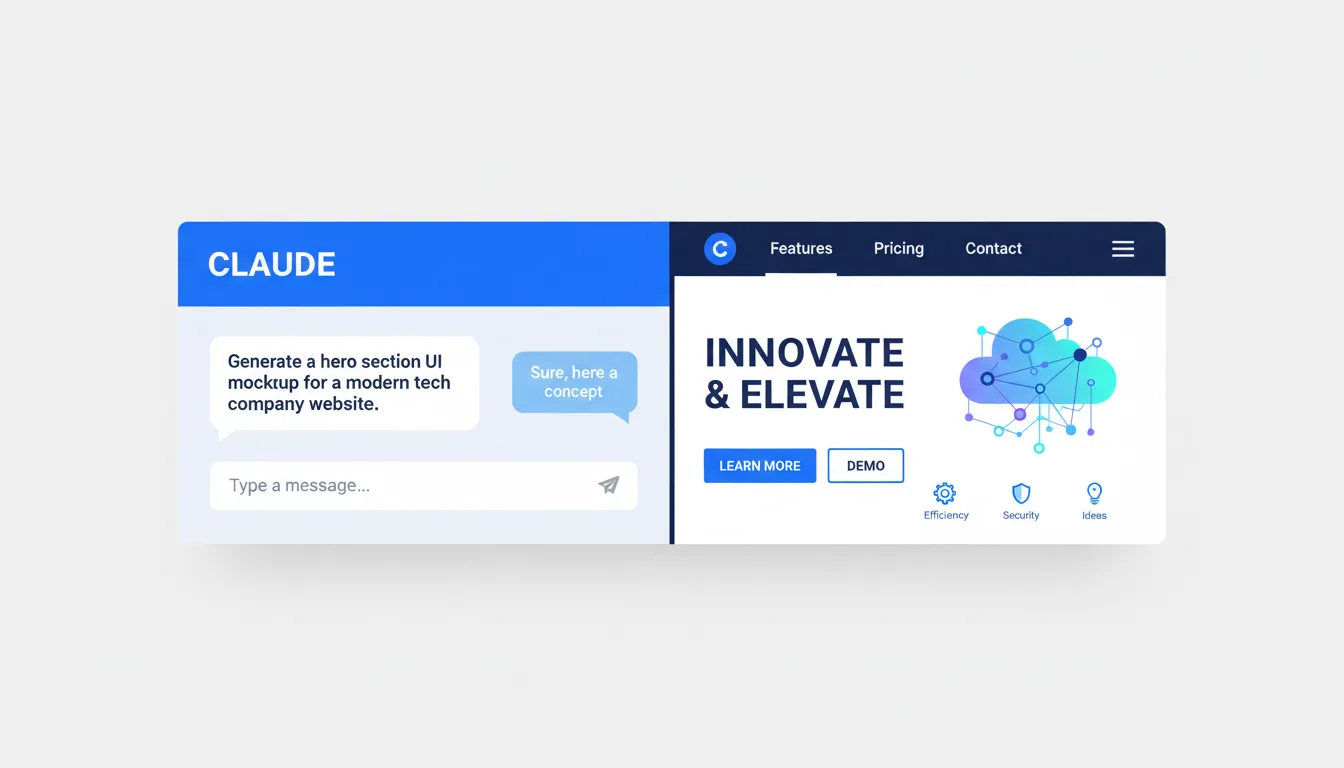
The Artifacts window is fundamentally different from standard chat. Instead of reading code, you see the rendered output update as Claude refines it. Think of it as a browser tab that rewrites itself based on your instructions.
Prompts That Actually Work for UI Components
The quality of your output depends entirely on how specific your prompt is. Here are four component types with prompts that consistently produce clean results:
Hero Sections:
"Create a SaaS landing page hero section with a bold headline, a two-sentence subheading, a primary CTA button in blue (#3b82f6), and a product screenshot placeholder. Use Inter font and a white background."
Navigation Bars:
"Build a sticky responsive navbar with a logo on the left, five navigation links in the center, and a 'Get Started' button on the right. Include a hamburger menu for mobile."
Data Dashboards:
"Generate a dashboard UI with a sidebar nav, three KPI cards at the top showing revenue, users, and churn rate, and a line chart below. Use a dark theme."
Contact Forms:
"Design a minimal contact form with name, email, and message fields, a submit button, and inline validation error states. Keep it under 400px wide."
Customizing Designs with Your Brand
Claude Opus 4.7's vision capabilities let you upload a brand guide PDF or screenshot directly into the chat. Claude reads your hex codes, font choices, and spacing rules, then applies them automatically to every component it generates.
For color precision, paste your exact hex values into the prompt. If you're converting from a design spec that uses RGB values, the Color Hex to RGB Converter makes that translation instant before you paste into Claude.
Conversational editing is where this tool genuinely shines. After your first output, you can say:
- "Make the buttons rounder — use a 12px border radius"
- "Change the primary color to #f97316"
- "Increase the heading font size and add more whitespace between sections"
You can also upload a hand-drawn sketch or a competitor screenshot and ask Claude to recreate or iterate on it. The vision model interprets the layout and produces clean HTML/CSS from rough input.
Taking Claude's Output into the Real World
Claude generates standard HTML and CSS you can use immediately. Here's the practical workflow:
For non-coders: Copy the generated code, paste it into a blank .html file, and open it in any browser. You're previewing a real webpage in under a minute. If the code snippets feel intimidating to handle, the HTML Converter helps you safely process and format what Claude produces.
For presentations: Export directly to Canva, PDF, or PPTX from within Claude Design — no code involved.
For developers: The handoff to Claude Code is seamless. Once your mockup is approved, ask Claude to "convert this prototype into a functional React component" and it transitions from visual mockup to working frontend code.
Want to add depth to generated cards or modals? Use the Box Shadow CSS Generator to craft the exact shadow values, then paste them into a follow-up prompt asking Claude to apply them.
Claude Design vs. Figma vs. ChatGPT
Claude wins on speed and accessibility. Teams report going from rough idea to working prototype before a meeting ends, maintaining brand consistency throughout (Anthropic). Figma remains the right tool when you need precise design systems or developer handoff specs at scale. ChatGPT generates frontend code but lacks Claude's integrated visual preview and vision-based iteration.
Design Principles That Prevent Bad Output
Speed is useless if the output is unusable. Three rules keep Claude's designs on track:
Define user flow first. Before asking for aesthetics, describe what the user does on the page. "A user lands here, sees the value prop, clicks CTA, and reaches a signup form" gives Claude a functional brief.
Set hard constraints. Vague prompts produce generic results. Specify max widths, color counts, and font limits. "Use only two fonts and three colors" cuts hallucinated design decisions significantly.
Ask for accessible markup. Add "include proper ARIA labels and sufficient color contrast" to any prompt. Claude will output components that meet basic WCAG guidelines, which matters if the code goes anywhere near production.
Start With One Component
Claude Design democratizes professional web aesthetics for anyone with a paid Claude subscription and a clear idea. You don't need to build a full site on day one.
Pick one component — a pricing table, a signup form, a hero section — and prompt Claude for it today. Iterate three times using conversational edits. Export it. That single workflow will teach you more about what's possible than any tutorial.
The Artifacts playground is live. Start there.
Frequently Asked Questions
Q: How do I enable Claude Artifacts to see my designs in real-time? Go to Settings on claude.ai, find the Feature Preview section, and toggle Artifacts on. When you start a new chat, a live preview panel renders your designs alongside the conversation automatically.
Q: What are the best prompts to get a clean, modern website mockup? Be specific: name the component, specify colors with hex codes, name the font, and describe the layout structure. A prompt like "Create a SaaS hero section using Inter font, white background, and a #3b82f6 CTA button" produces far cleaner results than "make a nice homepage."
Q: Can I actually use the code Claude generates for a real website? Yes. Claude outputs standard HTML and CSS that runs in any browser. For simple pages and marketing sites, it's production-ready with minor cleanup. For complex apps, treat it as a strong starting point and hand off to Claude Code for full implementation.
Q: Do I need a paid Claude Pro subscription to design UI components? Yes. Claude Design and the Artifacts feature require a paid plan — Pro, Max, Team, or Enterprise. The free tier does not include access to the real-time design preview.
Q: How do I tell Claude to change specific colors or fonts in the design it just made? Just ask conversationally in the same chat: "Change the primary button color to #f97316" or "Switch the body font to Roboto and increase the line height to 1.7." Claude applies the change and updates the Artifacts preview instantly.