
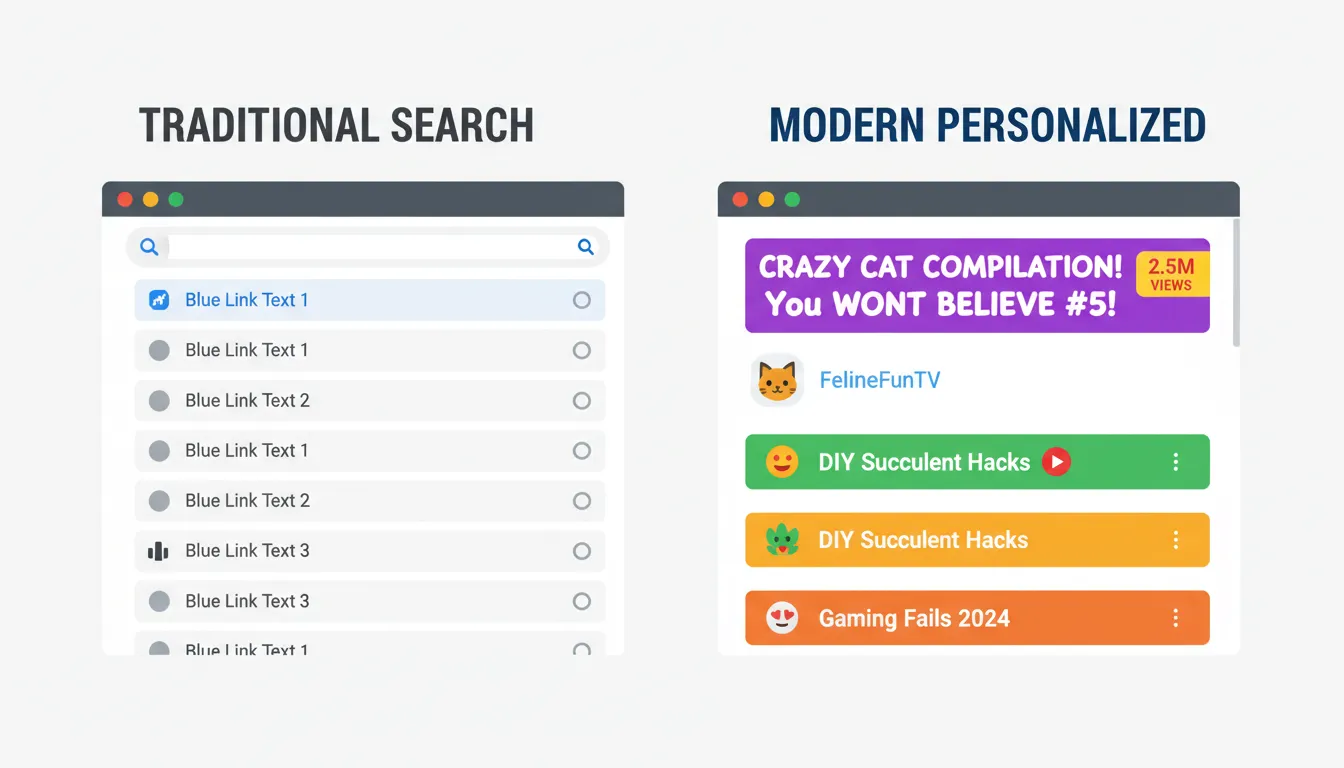
Search results used to look like a boring corporate memo. "Best Accounting Software | Brand Name." Riveting stuff. Nobody clicked, and nobody cared. But something shifted, and personal title tags SEO 2026 is at the center of it. Google's results pages are starting to look suspiciously like a YouTube homepage, and if you're still writing titles like it's 2015, your click-through rate is paying the price.
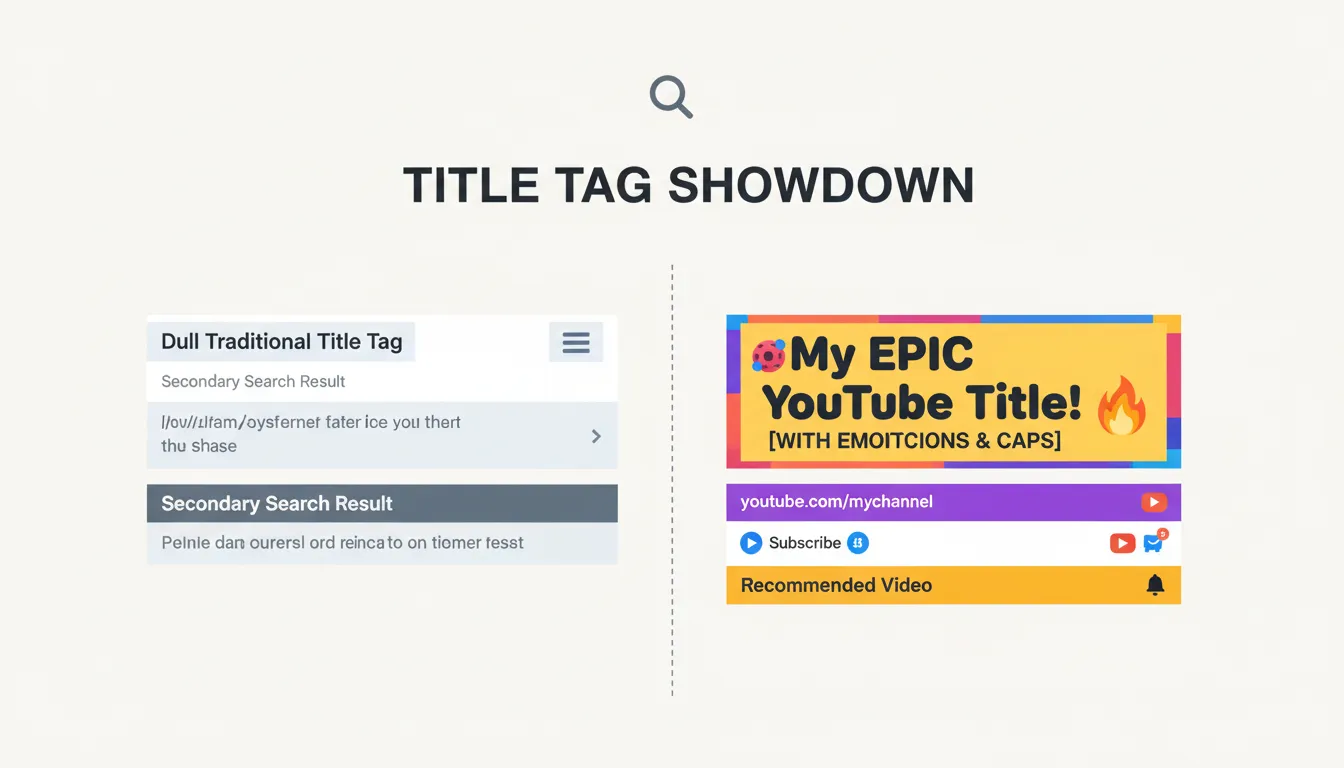
What "YouTube-ification" Actually Means (And Why It's Happening Now)
YouTube trained two billion people to click on titles that feel personal, urgent, and specific. "I Tried 30 Budgeting Apps. Here's What Actually Worked." That's a title you click. "Best Budgeting Apps 2026" is a title you scroll past.
Google noticed. With AI Overviews handling generic queries, the pages that survive in the organic results are the ones that signal real human experience. 2026 is the tipping point because AI-generated content has flooded the web, making authentic, first-person voices the rarest (and most valuable) thing in search.
What Are "Personal Title Tags" Exactly?
Traditional SEO titles are usually written with the personality of a damp sponge: "How to Save Money on Groceries." Personal title tags flip that. They use first-person or direct-address language: "How I Cut My Grocery Bill by 40% in One Month."
The "I" and "My" advantage connects to Google's E-E-A-T framework (Experience, Expertise, Authoritativeness, Trustworthiness). A title claiming personal experience signals that a real human did the thing, not a content farm. That said, research on whether personal pronouns directly boost CTR is still emerging, so treat this as a strong hypothesis worth testing, not gospel.
| Traditional Title | Personal Title Tag | |---|---| | Best Coffee Makers Review 2026 | I Tested 12 Coffee Makers. One Won Easily | | How to Learn Python Fast | How I Learned Python in 60 Days (No CS Degree) | | SEO Tips for Small Businesses | Why I Deleted Half My Keywords and Traffic Grew |
The Psychology Behind Titles That Actually Get Clicked
YouTube thumbnail creators obsess over the "curiosity gap": give enough information to intrigue, but withhold enough to force the click. Text-based search results can use the same trick.
Emotional power words are the secret sauce for 2026 CTR, unless you enjoy being ignored. Words like "stopped," "wrong," "actually," and "honest" outperform corporate-safe adjectives like "comprehensive" or "ultimate." The title "I Tried [Product] for 30 Days" beats "Best [Product] Review 2026" because it promises a story with a verdict, not just a list.
The Character Count Problem Nobody Talks About
Here's where people silently sabotage themselves. The safe zone for title tags is 50-60 characters to avoid truncation in search results (ontoplist.com). Go over, and you get the dreaded ellipsis. Go under 50, and you're wasting prime real estate.
Mobile display limits are messier than most guides admit. Reported character limits range from roughly 40 to 76 characters depending on the device and browser, so optimizing for the 50-60 desktop range remains your safest bet (link-assistant.com).
Use a free Word & Character Counter to check your titles before publishing. Paste your title, count the characters, and adjust. No signup, no drama.
Also, front-load your primary keyword within the first 30 characters. Google reads left to right, just like your reader does.
Clickbait vs. Click-Worthy: There's a Real Difference
Clickbait promises something the content doesn't deliver. Click-worthy titles make a specific promise and keep it. That's the entire distinction, and it matters enormously.
"You Won't Believe What This App Does" is clickbait. "I Used This Free App to File My Taxes in 20 Minutes" is click-worthy. One is a trick; the other is a specific, verifiable claim. Match your title's promise to your content's actual delivery, and you're building trust, not burning it.
Avoid stuffing your title with three keywords hoping to rank for all of them. Pick one angle, make it personal, make it specific.
Four Templates You Can Steal Right Now
These patterns work because they borrow YouTube's proven engagement logic:
- The Case Study: "How I [Achieved Result] in [Timeframe]" — How I Ranked Page 1 in 6 Weeks
- The Contrarian: "Why I Stopped Using [Popular Thing]" — Why I Stopped Using WordPress (And What I Use Now)
- The Direct Address: "You're Doing [Task] Wrong (Here's Why)" — You're Writing Title Tags Wrong (Here's Why)
- The Specific Benefit: "I Increased [Metric] by [Number] Using This" — I Increased CTR by 34% Changing One Word
Before you hit publish and pray to the algorithm gods, format that title like you actually care. A free Case Converter lets you instantly switch between Title Case and Sentence Case to match the style that fits your brand. YouTube-style titles often use sentence case, which feels more conversational.
How to Actually Update Your Title Tags (No Developer Required)
If you're on WordPress, Yoast SEO or Rank Math lets you update title tags directly from the post editor. Shopify has a "Page title" field in every product and page editor. Webflow has an SEO settings panel per page. None of these require touching code.
If you're working with raw HTML, use a free Meta Tag Generator to produce the correct <title> tag code, then paste it into your page's <head>. Done.
To measure results, open Google Search Console, navigate to Search Results, filter by page, and track your CTR before and after changing a title. Wait two to four weeks for data that actually means something, instead of just refreshing the page every five minutes.
Start Here: Your 15-Minute Audit
The highest-ROI move is auditing your top 10 pages by impressions but lowest CTR in Google Search Console. Those pages are already visible; they just aren't compelling anyone to click. Rewrite their titles using one of the four templates above, check character count with the counter tool, and let the data tell the story.
The YouTube-style SEO revolution isn't coming. It's already the feed you're scrolling through. Might as well write titles that belong there.
Frequently Asked Questions
Q: What exactly are "personal title tags" and how do they differ from traditional SEO? Personal title tags use first-person ("I," "My") or direct-address ("You") language instead of generic keyword phrases. Traditional titles optimize for keyword matching; personal title tags optimize for human curiosity and click psychology, while still including the target keyword.
Q: Why is Google starting to prioritize titles that look like YouTube video names? AI Overviews now answer generic queries directly, so organic results must offer something AI can't: real human experience and perspective. YouTube-style titles signal authenticity, which aligns with Google's E-E-A-T quality signals.
Q: How can I write these titles without sounding like clickbait? Make a specific, verifiable promise your content actually fulfills. "I Saved $300 on My Electric Bill Using This Setting" is click-worthy. "You Won't Believe This Energy Hack" is clickbait. Specificity is the dividing line.
Q: Do I need to be a developer to change my title tags for 2026? No. WordPress, Shopify, and Webflow all have built-in SEO fields for title tags. If you need raw HTML code, a free Meta Tag Generator handles the technical part instantly.
Q: Are there free, no-signup tools to help me write and format these titles? Yes. Use the Word & Character Counter to stay within the 50-60 character sweet spot, and the Case Converter to format your titles correctly. Both work instantly in the browser.