
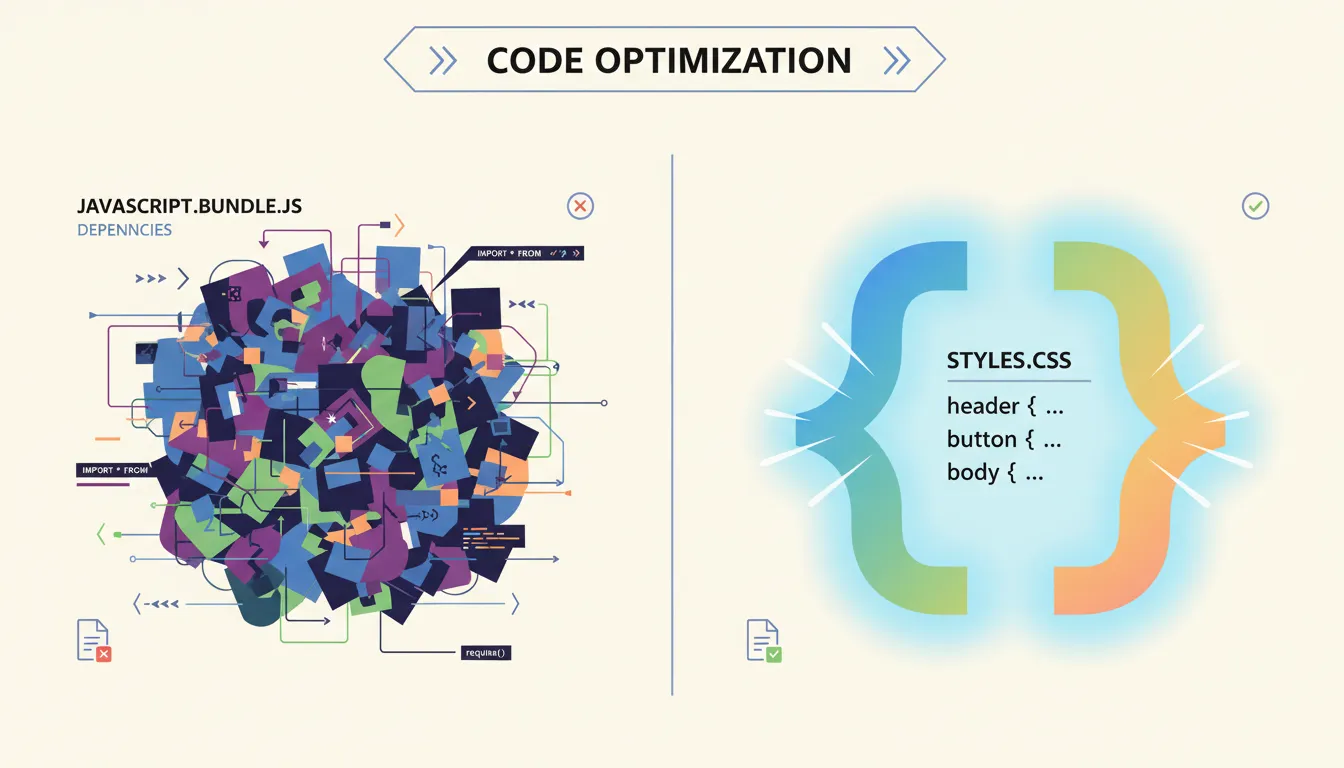
JavaScript walks into a bar. CSS says, "I got this." And honestly? CSS is right. Using css instead of javascript for common UI interactions is no longer a workaround — it's the smarter default. CSS has quietly evolved from a styling sheet into a full interaction engine, and your website's performance is begging you to notice.
Why JavaScript Is Getting Fired From Its Own Job
For years, JavaScript handled everything: dropdowns, modals, animations, scroll effects. That era is ending — not because JS is bad, but because browsers got smarter.
The real villain is the main thread. JavaScript runs on it. So does rendering. When your JS is busy calculating a dropdown position, your page freezes like a Windows 98 machine. CSS animations, by contrast, run on the GPU via hardware acceleration, producing silky 60fps movement without touching the main thread.
The SEO bonus? Search engines index content faster when it isn't buried behind JS execution. Removing heavy interaction libraries also improves Core Web Vitals scores — specifically LCP (Largest Contentful Paint) and CLS (Cumulative Layout Shift). Fewer scripts = faster pages = happier Google.
Native Modals: No JavaScript Required
The popover attribute is your new best friend. Drop it on any element, point a button at it with popovertarget, and you have a fully functional overlay — no addEventListener, no classList.toggle, no therapy bills.
<button popovertarget="my-modal">Open Modal</button>
<div id="my-modal" popover>
  <p>Hello, I'm a modal. No JS was harmed.</p>
</div>
The browser handles "light dismiss" automatically — clicking outside the popover closes it. That's a feature developers spent years writing custom code for. Before pasting this into your CMS, run your HTML through an HTML Converter to safely escape the code without breaking your template.
Dropdown Menus: CSS Anchor Positioning Does the Heavy Lifting
Positioning a dropdown relative to its trigger button used to require JavaScript to calculate coordinates. CSS Anchor Positioning kills that problem dead.
.trigger { anchor-name: --my-button; }
.dropdown {
  position: absolute;
  position-anchor: --my-button;
  top: anchor(bottom);
}
Combined with the Popover API, you get click-triggered menus with zero event listeners. The upcoming Interest Invoker API will extend this to hover-based tooltips — detecting mouse interest natively, without a single line of JavaScript.
Want your dropdown to look polished without hand-coding shadows? The Box Shadow CSS Generator lets you build professional depth visually and copy the CSS directly.
Scroll-Driven Animations: Your Scroll Listener Is Obsolete
CSS scroll-driven animations tie animation timelines directly to scroll position using the scroll() function. A reading progress bar that once required 20 lines of JS now takes four lines of CSS:
@keyframes grow { from { width: 0% } to { width: 100% } }
.progress-bar {
  animation: grow linear;
  animation-timeline: scroll();
}
Scroll-Driven Animations have been available in Chrome and Edge since July 2023 (version 115). Safari support is progressing, though confirmed cross-browser coverage data for early 2026 remains incomplete — check webstatus.dev for the latest numbers before shipping to production.
The CSS Features That Replace Entire JS Plugins
Scroll Markers (Proposed): The ::scroll-marker and ::scroll-marker-group pseudo-elements aim to create native carousel pagination dots — those little clickable circles that replace manual scrollLeft calculations. These are proposed features, so don't bet your mortgage on them yet—treat them as a nice bonus for users who actually update their browsers. (Spec proposal)
Masonry Layouts: Forget Pinterest-style JS grid plugins. The CSS Working Group officially resolved to implement masonry as a new display type (not grid-template-rows: masonry as was previously floated). This means display: masonry is the direction — though browser support is still rolling out. (See the resolution)
Container Queries: Components that respond to their parent's size instead of the viewport. This alone replaces dozens of JS resize observer hacks.
Using AI to Generate Pure CSS Snippets
You don't need to memorize any of this. AI tools like ChatGPT or Claude will write it for you — if you ask correctly.
Prompts that actually work:
- "Write a pure CSS modal using the popover attribute. No JavaScript."
- "Generate a scroll-driven animation progress bar. Chrome/Edge compatible."
- "Create a CSS-only dropdown using anchor positioning."
Always validate AI output for two things: accessibility (keyboard navigation, ARIA roles) and browser compatibility. AI confidently generates code for features that aren't fully supported yet — the appearance: base-select property for styling native <select> elements, for example, is still a proposed feature, not something you can ship today. (More context here)
You Don't Need to Be a Developer
Copy the snippet. Open your CMS (WordPress, Squarespace, Webflow). Paste into a Custom CSS block or HTML widget. Done.
After deploying your faster, CSS-driven pages, make sure search engines actually find them. The Meta Tag Generator helps you optimize titles and descriptions so your newly speedy pages rank where they deserve.
Test across Chrome, Firefox, and Safari using free tools like BrowserStack's free tier or simply your phone.
The CSS-First Philosophy: Your Action Plan
The future of lightweight web development is native browser features doing what you used to pay JavaScript libraries to do. Audit your site today:
- Replace JS-powered modals with the
popoverattribute - Swap scroll listeners for CSS
animation-timeline: scroll() - Use CSS Anchor Positioning for dropdown menus
- Delete jQuery if the only thing it's doing is toggling a class
Every kilobyte of JavaScript you remove is a millisecond your users get back. CSS doesn't block. CSS doesn't crash. CSS doesn't send you a passive-aggressive error at 2am. Ship less JS. Write more CSS. Your users will notice.
Frequently Asked Questions
Q: Can I create a functional dropdown menu without using any JavaScript? Yes. CSS Anchor Positioning combined with the Popover API lets you create fully functional dropdown menus triggered by button clicks, with zero JavaScript. Browser support is solid in Chrome and Edge, with Safari catching up.
Q: Is it possible to make a popup or modal using only CSS?
Absolutely. The HTML popover attribute handles opening, closing, and light-dismiss (clicking outside to close) natively. You need one HTML attribute and one button — no JavaScript event listeners required.
Q: Why is my website faster when I use CSS instead of JavaScript for animations? CSS animations run on the GPU and bypass the main thread entirely. JavaScript animations compete with rendering tasks on the main thread, causing frame drops and jank. CSS keeps things smooth at 60fps without the overhead.
Q: How can I use AI tools to generate CSS snippets for my website? Ask AI tools like ChatGPT specifically for "pure CSS" or "no JavaScript" solutions, and name the feature you want (popover, anchor positioning, scroll timeline). Always verify browser compatibility before using the output in production.
Q: Do I need to be a developer to implement these modern CSS tricks? No. Most modern CSS features are copy-paste ready. If you can open a Custom CSS panel in WordPress or Webflow, you can implement everything in this article. The hardest part is knowing these features exist—now you have no excuse for that bloated 2MB JavaScript bundle.