
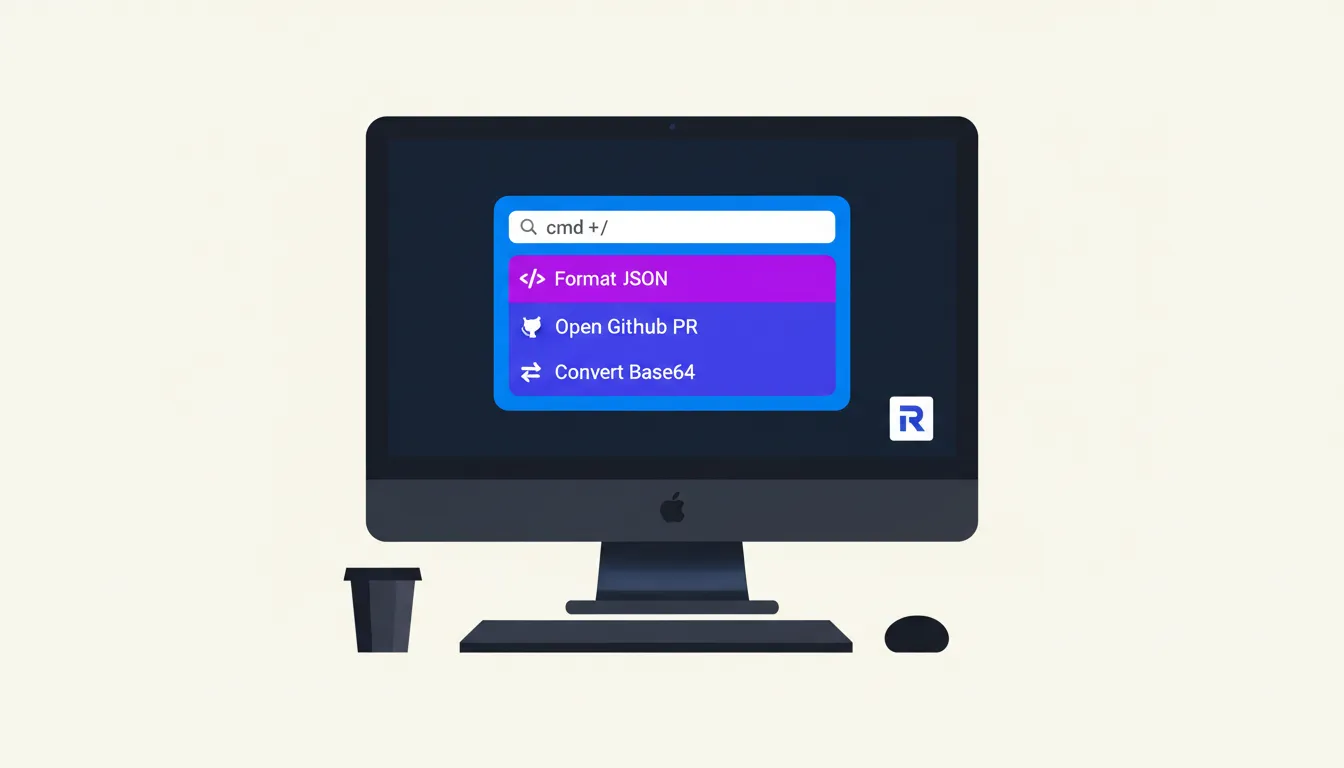
Every time you alt-tab to a browser tab to format JSON, convert a color code, or check a GitHub PR, you lose roughly 23 minutes of focused work recovering from that context switch (per Gloria Mark's UC Irvine research). Raycast for developers exists to eliminate that tax entirely. It replaces the scattered browser tabs, standalone utilities, and clipboard fumbling with a single keyboard shortcut that puts every tool you need one keystroke away.
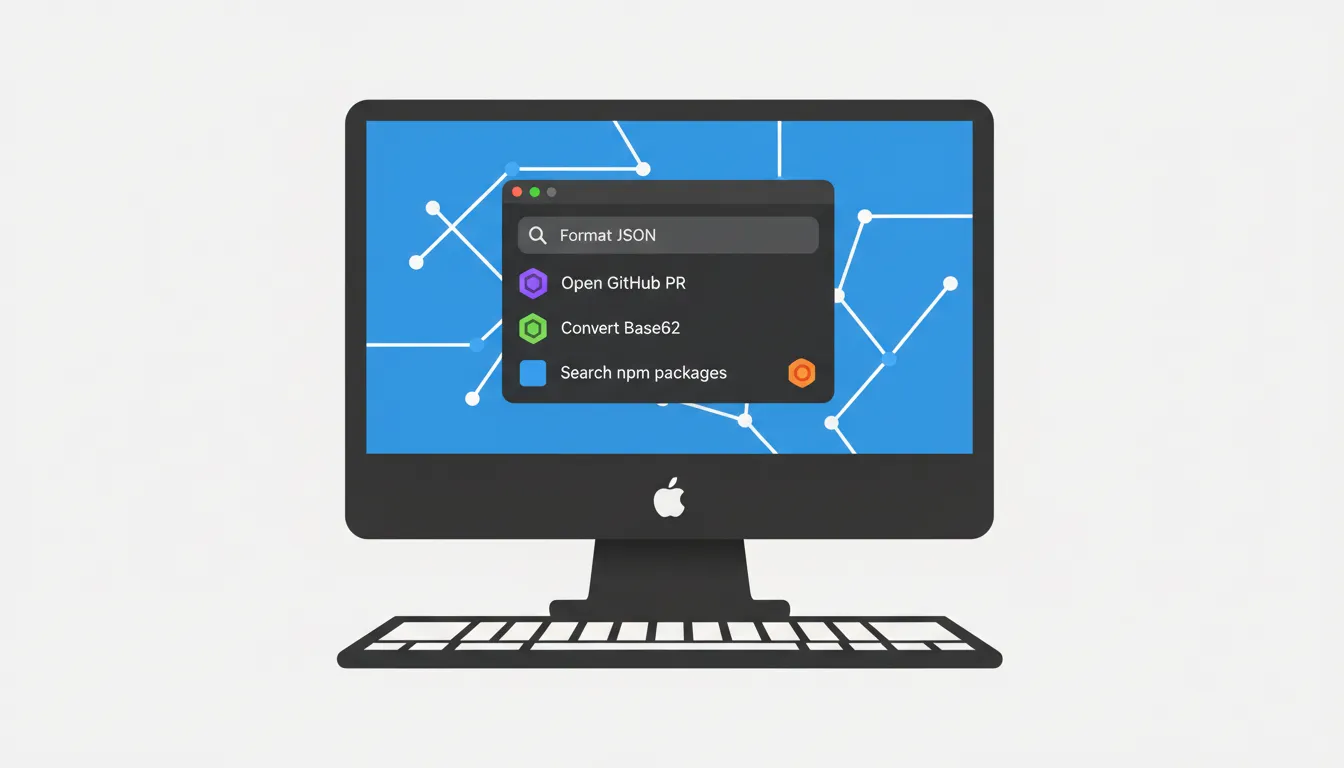
Why Raycast Outperforms Spotlight
Spotlight finds files. Raycast executes actions. That distinction matters more than it sounds.
Raycast's architecture is built around a "60 FPS" interaction model with sub-100ms command latency, achieved through a custom rendering pipeline and aggressive caching. The upcoming Raycast 2.0 is a full cross-platform rewrite targeting macOS and Windows with a shared codebase, though no confirmed release date has been announced. (Technical deep dive)
Unlike Spotlight, Raycast connects to APIs. That means your GitHub issues, Docker containers, and VS Code workspaces live inside the launcher, not scattered across five apps.
What's Free vs. What Costs Money
The free tier is genuinely useful. It includes clipboard history (limited entries), text snippets, window management, and access to the Extension Store with thousands of community-built tools. You also get basic AI access with a limited number of free messages per day.
Raycast Pro adds unlimited clipboard history, cloud sync across Macs, and expanded AI features including higher usage limits. (Raycast pricing)
For individual freelancers and students, the free tier covers 80% of daily workflow needs. Start there.
Replace Your Browser Tabs With Local Commands
Here's the shift that changes everything: stop Googling tools, run them locally instead.
When you need to decode a JWT or convert Base64, Raycast has built-in commands for both. No browser tab, no ad-laden website, no copy-paste dance. The same applies to case conversion; switching between camelCase and snake_case is a single command away, mirroring what tools like the Case Converter do in the browser.
For JSON formatting, Raycast extensions handle validation and pretty-printing without leaving your editor. If you're still learning the setup, the JSON Formatter & Validator works as a solid browser fallback while you build the habit.
Raycast also provides native window management that replaces paid utilities like Magnet, letting you snap and resize windows with keyboard shortcuts out of the box.
Raycast AI vs. Opening a ChatGPT Tab
The difference is context, not capability.
ChatGPT lives in a browser tab. You copy code, switch tabs, paste, ask, copy the answer, switch back. Raycast AI is invoked system-wide with a hotkey; it operates on whatever text you have selected, in whatever app you're using. The new version retains context across queries and can apply different tones per app, so a Slack message gets casual phrasing while a Git commit message gets technical precision.
For generating a UUID during a coding session, you could ask Raycast AI, or use a dedicated tool like the UUID/GUID Generator to understand exactly what you're automating before wiring it into your workflow.
Must-Have Extensions for Developers
These extensions give you the highest return with the least setup:
- GitHub / GitLab: Search PRs, create issues, and check CI status without opening a browser
- VS Code: Open recent projects and workspaces by name, instantly
- Docker: Start, stop, and inspect containers without loading Docker Desktop
- Tailwind CSS: Search utility classes and copy syntax directly into your editor
- Linear / Jira: Create and update tickets in a keyboard-only loop
Install these from the Raycast Extension Store in under five minutes, no coding required.
Building Your Own Extensions (Without Being a Senior Dev)
Raycast extensions are built with React and TypeScript, which means if you've done any frontend work, the stack is familiar. The simplest entry point is a Shell or Node.js script command: write a script, expose it as a Raycast command, done.
The Raycast Developer Program offers design support and Store promotion for extensions you ship publicly. For junior developers, publishing even one niche extension is a concrete portfolio item that shows real-world tooling skills.
Setting Up a Keyboard-First Workflow in 20 Minutes
Follow this sequence once, and your daily workflow changes permanently:
- Assign a global hotkey (
⌘ Spaceor⌥ Space) to open Raycast - Create Aliases for your top five commands (e.g.,
gprfor "Search GitHub PRs") - Set up Quicklinks for internal docs, staging dashboards, and Notion pages
- Enable Clipboard History and bind it to
⌘ Shift V - Install one extension that replaces one browser tab you open daily
Aliases are the multiplier. Once jwt decodes a token and b64 encodes a string, you stop thinking about tools and start thinking about the problem.
The Long-Term Payoff
Switching to a keyboard-first workflow isn't about speed for its own sake. It's about reducing the cognitive overhead of tooling so your mental energy goes toward actual problem-solving. Developers who automate their environment early build a compounding advantage: every workflow improvement they ship saves time daily for the rest of their career.
Start small. Install one extension today that replaces one browser tab you opened yesterday.
Frequently Asked Questions
Q: Is Raycast actually free for individual developers and freelancers? Yes. The free tier includes clipboard history (with a usage cap), text snippets, window management, the full Extension Store, and limited daily AI messages. Most individual developers won't need Pro unless they want unlimited clipboard history or cloud sync across multiple Macs.
Q: How can I use Raycast to replace my browser-based JSON formatters and converters? Install a JSON extension from the Raycast Store and trigger it with a hotkey while your JSON is in the clipboard. It formats and validates locally, with no browser required. While you're getting set up, the JSON Formatter & Validator works as a reliable browser fallback.
Q: Do I need to know how to code to install and use Raycast extensions? No. Installing extensions is one click from the Store, identical to installing a browser extension. You only need to write code if you want to build a custom extension.
Q: How does Raycast AI compare to using ChatGPT in a browser tab? Raycast AI is invoked system-wide without switching apps, operates on your selected text in any application, and retains conversation context across commands. ChatGPT requires manual copy-paste between your editor and the browser, adding friction to every interaction.
Q: What are the must-have extensions for someone who isn't a power user yet? Start with GitHub (or GitLab), VS Code, and Clipboard History. Those three alone eliminate the most common context switches for developers working on any modern project.